Troubleshooting: Why Your Compressor Is Overheating
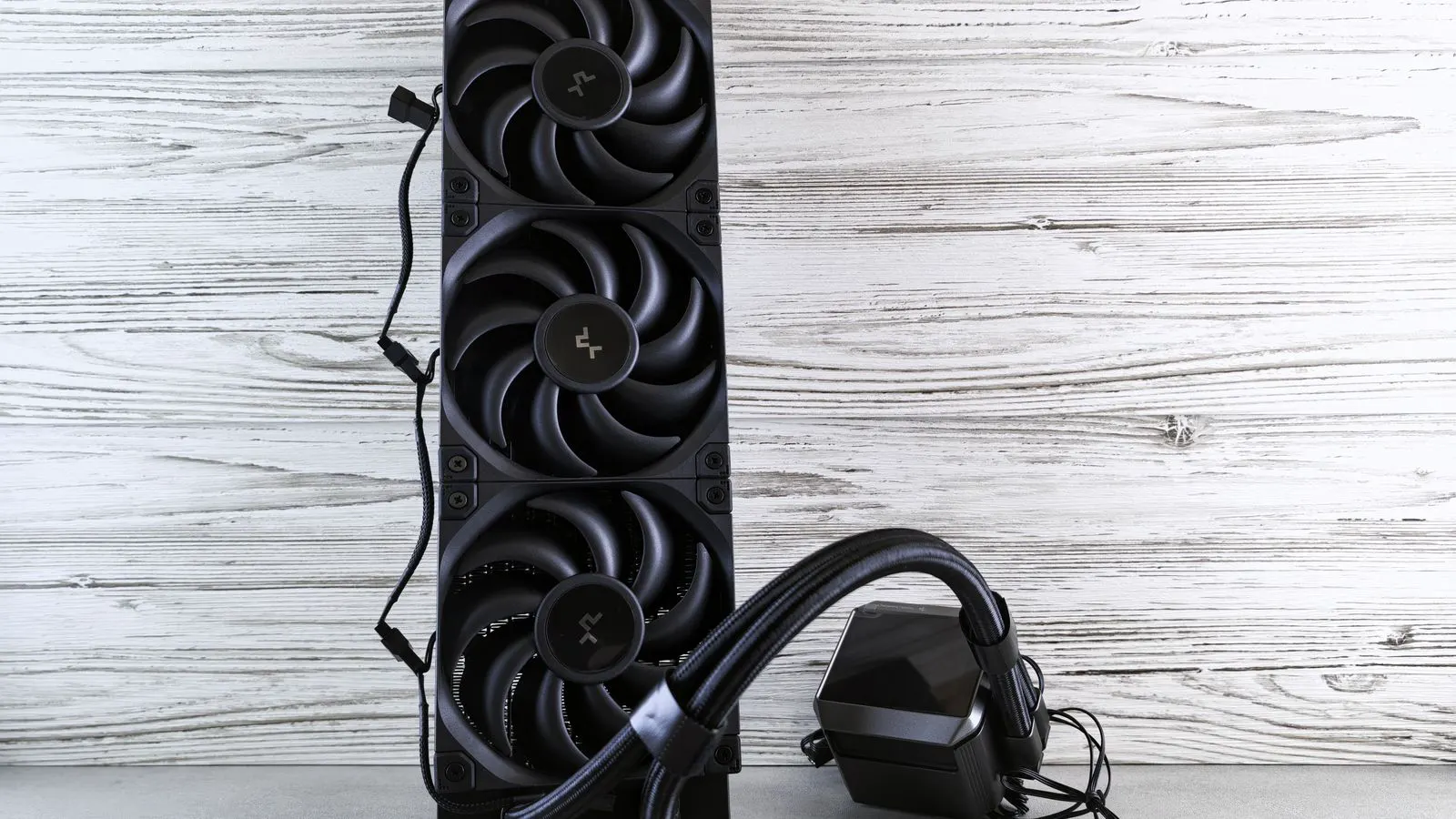
Overheating compressors often signal restricted airflow, low oil levels, or failing cooling components. Check the cooling fan, oil level, air intake filter, and heat exchanger. Fixing these issues restores performance and protects long-term energy efficiency.
- Overheating compressors often draw more power than normal due to restricted airflow or low oil levels.
- A clogged air intake filter or blocked radiator is one of the most common causes of thermal stress.
- Regularly checking oil levels, cooling fans, and heat exchangers prevents performance loss.
- Keeping cooling systems clean directly supports energy efficiency and protects the compressor.
- Documenting temperature readings and maintenance actions helps identify recurring issues early.
A compressor running hotter than usual usually means the machine is working harder than it should. When heat builds up, the air compressor draws more power, pressure drops, and components wear faster. For industrial air compressors, heat is one of the fastest ways to turn a reliable asset into a maintenance problem. This guide walks through the symptoms, likely causes, and fixes that keep the machine operating at its designed efficiency.
What symptoms point to a cooling problem
Before opening panels or adjusting settings, look for the signs that point to a thermal issue. The symptoms are usually visible or audible. Operators often notice the machine cycling more often, the fan running at full speed, or the pressure gauge falling faster than expected. These clues show that the compressor is struggling to reject heat from the air and oil.
- The pressure gauge drops quickly between cycles.
- The cooling fan runs constantly or sounds strained.
- The machine cycles off and on more frequently.
- The air dryer or downstream equipment receives warmer air than normal.
- The control panel shows a high temperature alarm or warning.
- The compressor draws more amperes than its normal baseline.
If two or more of these signs appear together, treat the machine as overheating. Do not run it at full load until the cause is found.
What to check first when the compressor runs hot
Start with the easiest and most common causes. Many overheating issues are simple to fix and do not require a service technician. A quick walk-around check can rule out the most likely problems before deeper investigation.
- Check the cooling fan and its power. Confirm the fan is turning, the belt is intact, and the motor is not overloaded. A weak or failing fan motor will not reject heat fast enough.
- Inspect the air intake filter. A dirty filter restricts airflow and raises intake temperature. Replace or clean it according to the maintenance schedule.
- Look at the cooling coils or heat exchanger. Dust, oil mist, and debris build up on the fins and reduce heat transfer. Clean the fins with compressed air or a low-pressure water rinse.
- Check the oil level and oil condition. Low oil reduces cooling capacity and can cause hot spots. Old or contaminated oil breaks down and loses its heat transfer properties.
- Verify the temperature sensor and control settings. A faulty sensor may trigger alarms incorrectly or mask a real problem. Compare the reading with a handheld infrared thermometer if available.
- Review recent changes. A new filter, a changed operating schedule, or a blocked exhaust path can raise system temperature.
These checks take minutes and can identify the issue before it becomes a shutdown.
Why performance loss and energy efficiency drop together
When a compressor overheats, the machine compensates by working harder. The motor draws more current to maintain pressure, and the control system may extend run time. This directly reduces energy efficiency. The same heat that stresses the machine also degrades the air quality and downstream equipment.
High intake temperature is a major factor. Compressed air is denser and harder to compress when it starts warm. The machine must do more work to reach the same pressure, which increases power draw. At the same time, the cooling system runs longer to reject the extra heat. The result is a double hit on energy use and component life.
Performance loss also shows up in pressure stability. If the cooling system cannot keep up, the compressor may short-cycle or fail to build pressure quickly. Operators often respond by running the machine at a higher set pressure or adding a second unit. Both actions increase energy consumption without solving the root cause.
Common causes and fixes in one table
The table below summarizes the most frequent overheating scenarios, the likely cause, and the corrective action. Use it as a quick reference during maintenance or troubleshooting.
| Symptom | Likely cause | What to do |
|---|---|---|
| Fan runs at full speed all the time | Blocked cooling fins or weak fan motor | Clean the heat exchanger fins and check the fan belt or motor current. |
| Pressure drops quickly between cycles | Clogged air intake filter or low oil level | Replace the intake filter and top up or replace the oil. |
| High temperature alarm but no visible heat | Faulty temperature sensor or wiring | Compare the reading with an infrared thermometer and test the sensor circuit. |
| Machine draws more amperes than normal | Restricted airflow or over-tightened cooling fan belt | Clean the cooling area and check the fan belt tension. |
| Oil level low or oil looks dark and gritty | Oil breakdown or contamination | Drain and replace the oil, and inspect the oil cooler for blockage. |
| Cooler fins are dusty or oily | Lack of preventive maintenance | Clean the cooler with low-pressure air or water and set a regular cleaning schedule. |
How to prevent overheating in the long run
Prevention is cheaper than repair. A compressor that is maintained on schedule will stay cooler, use less energy, and last longer. Build a routine that covers the cooling system, oil, and intake air.
- Clean the cooling fins and heat exchanger on a regular schedule. Frequency depends on the environment. Dusty or oily spaces need more frequent cleaning.
- Check the intake filter at every oil change. Replace it when the pressure drop across the filter exceeds the manufacturer threshold.
- Monitor oil level and condition each shift. Low oil is a fast path to overheating.
- Keep the cooling fan belt or motor in good condition. A weak fan is a silent cause of thermal stress.
- Record baseline amperage and temperature readings. A slow upward trend is an early warning before an alarm appears.
- Keep the area around the compressor clear of debris, packaging, and obstructions. Airflow around the unit is part of the cooling system.
These steps support energy efficiency by keeping the machine at its designed operating point. They also reduce the chance of unexpected shutdowns during high-demand periods.
When to call a service technician
Some overheating issues are not safe to fix in the field. If the compressor has a high temperature alarm and the basic checks do not resolve the problem, stop running it and call a qualified technician.
Call a technician when:
- The cooling fan motor is overheating or drawing high current.
- The oil cooler is leaking or shows signs of internal contamination.
- The temperature sensor circuit shows open or short readings.
- The compressor has short-cycled repeatedly after cleaning and filter replacement.
- The air compressor is drawing significantly more power than its baseline for several days.
A technician can access the control system, test electrical components, and inspect internal heat exchangers. Do not run a machine with an unresolved thermal fault at full load.
How to verify the fix and protect efficiency
After the repair, confirm the machine is back to normal. Run the compressor under a typical load and compare the readings to the baseline. The pressure should hold steady, the fan should not run at full speed all the time, and the amperage should return to its expected range.
Record the date, the symptom, the cause, and the fix. A short maintenance log helps operators spot patterns. If the same overheating issue returns after a few months, the root cause is likely environmental. The intake area may be too dusty, or the cooling system may need a larger capacity upgrade.
Keeping the compressor cool is one of the simplest ways to protect energy efficiency. It also protects the machine from performance loss and premature wear. A short walk-around, a clean filter, and a working fan can turn a hot, high-power machine back into a reliable asset.
Frequently asked questions
Can a dirty air intake filter cause a compressor to overheat?
Yes. A clogged intake filter restricts airflow and raises the temperature of the air entering the compressor. This forces the machine to work harder and can trigger overheating.
How do I know if my compressor is drawing too much power?
Compare the amperage reading under normal load to the baseline recorded during commissioning or the last routine check. A steady increase in amperage is an early sign of a cooling or airflow problem.
What is the safest first step when a compressor shows a high temperature alarm?
Stop the machine, let it cool, and check the cooling fan, intake filter, and oil level. Do not restart the unit until the cause is identified and corrected.
How often should I clean the cooling fins on an industrial air compressor?
The frequency depends on the environment. In dusty or oily spaces, clean the fins more often. A general rule is to inspect them every month and clean them when visible buildup reduces airflow.
Can low oil level cause performance loss?
Yes. Low oil reduces cooling capacity and can cause hot spots. The compressor may draw more power, lose pressure stability, and wear components faster.