How to Schedule Preventive Maintenance for Rotary Vane Compressors

Engineers need a structured approach to rotary vane maintenance. This guide provides a step-by-step framework for setting preventive maintenance intervals. It covers prerequisites, specific tasks, and common mistakes to avoid.
- Use the manufacturer's manual as the baseline for all intervals.
- Track runtime hours rather than calendar days for oil and filter changes.
- Inspect inlet filters and intake piping during every service visit.
- Log every task to identify recurring wear patterns.
- Verify system performance after completing major service tasks.
Prerequisites for a Reliable Schedule
Before you set any intervals, gather the actual operating data. A generic calendar schedule fails because it ignores how hard the unit works. Pull the nameplate information, the original installation manual, and the current operating logs. If the logs are missing, start a new one now.
You need three specific data points. First, the total runtime hours since the last major service. Second, the ambient temperature range where the compressor operates. Third, the type of oil currently in the system. If the unit runs in a hot environment or handles heavy loads, the standard intervals in the manual will be too long.
How to Determine Your Baseline Intervals
Start with the manufacturer’s recommended schedule. This document lists the minimum service points and the hours between them. Do not shorten these intervals without a reason. Shorter intervals increase labor costs without improving reliability.
Adjust the baseline based on your specific conditions. If your intake air is dusty, shorten the filter service interval. If the oil is old or contaminated, check it more often. If the compressor runs at high temperatures, reduce the oil change interval. These adjustments create a realistic plan that matches your actual operating environment.
Step 1: Document Current Operating Conditions
Write down exactly how the compressor operates. Record the ambient temperature, humidity, and dust levels. Note the number of hours the unit runs per day and per week. This data forms the foundation of your schedule.
The reason for this step is to avoid guesswork. Many maintenance programs fail because they rely on assumptions. If you assume a unit runs eight hours a day but it actually runs sixteen, your filter changes will happen too late. Documenting the truth prevents premature failure.
Step 2: Set Oil Change Intervals
Oil degrades through heat and contamination. It loses its ability to lubricate the vane and housing. Set your oil change interval based on the hours since the last change.
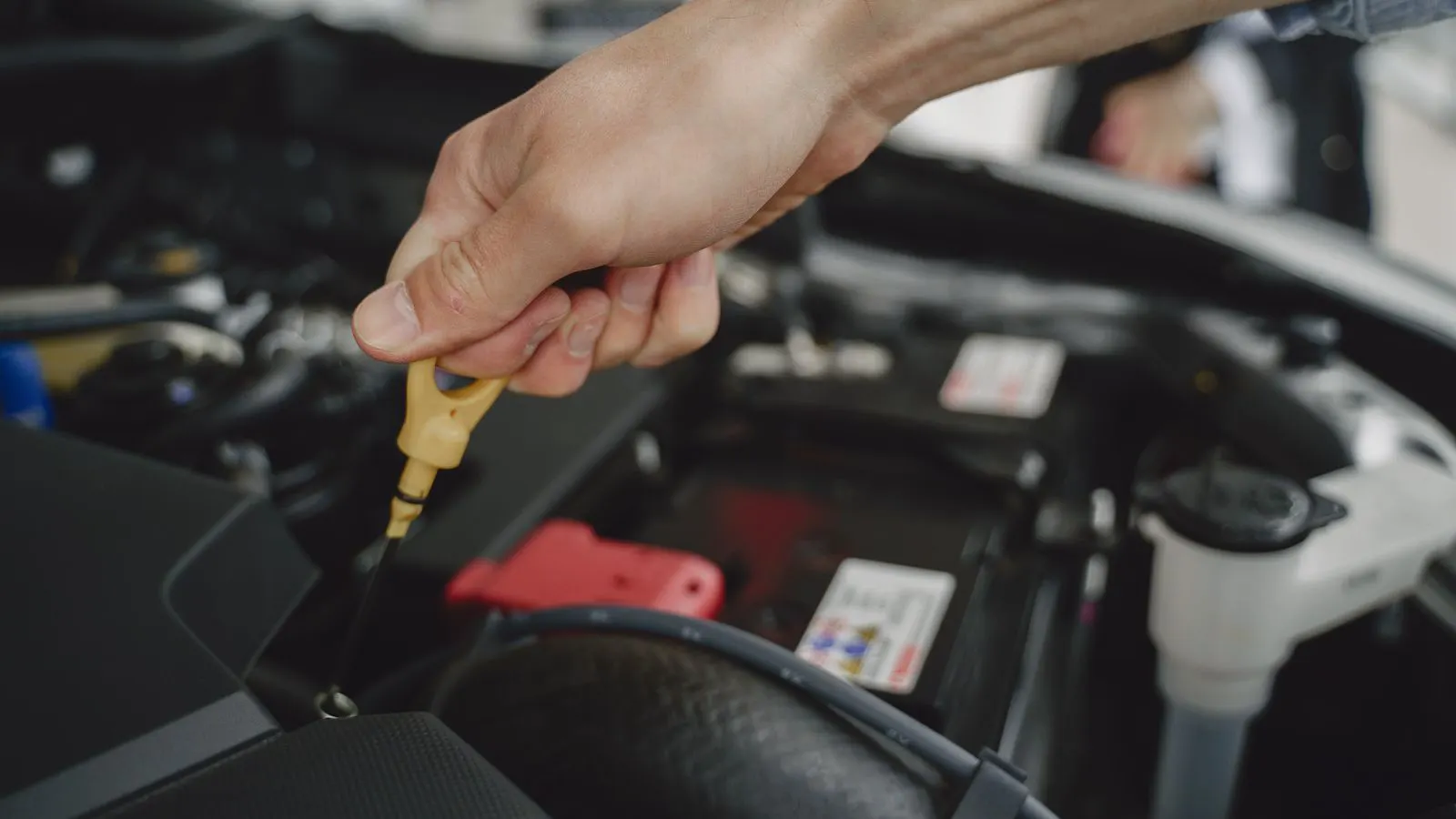
Check the oil level before every service. If the level is low, find the leak before you change the oil. A low oil level means the compressor is running dry. This causes immediate seal damage. If the oil looks milky, water has entered the system. Fix the dryer first.
Step 3: Schedule Air Filter Replacements
Inlet filters protect the vane from abrasive particles. Dust and sand act like sandpaper on the rubber and metal parts. Replace the inlet filter when the pressure drop across it reaches the limit set in the manual.
Do not wait for the filter to clog completely. A clogged filter forces the compressor to work harder. This increases power draw and temperature. Clean the filter housing during each service. Check the gasket for cracks. A cracked gasket lets unfiltered air into the system.
Step 4: Inspect the Intake Piping
The pipe running from the outside to the compressor intake is a weak point. Rodents, birds, and debris can block it. A blocked intake starves the compressor of air. The unit will overheat and shut down.
Inspect the intake pipe during every scheduled maintenance. Look for dents, corrosion, and blockages. Check the intake strainer. It must be clean. If the pipe is buried or in a dirty area, inspect it more often than the standard interval.
Step 5: Check the Discharge Filter and Dryer
The discharge filter catches oil mist before the air enters the plant. If this filter clogs, the compressor back-pressure increases. The unit works harder and produces less free air.
Replace the discharge filter according to the hours since the last change. Check the pressure gauge on the filter. If the gauge shows high back-pressure, replace it immediately. Do not ignore a high back-pressure reading. It is a direct indicator of reduced system efficiency.
Step 6: Inspect the Vane and Housing
This is the most critical internal check. You cannot open the compressor housing for a routine check. Instead, listen for noise and feel for vibration. A worn vane makes a distinct whining sound. A loose vane rattle indicates serious wear.
If you hear abnormal noise, shut the unit down. Open the housing. Inspect the vanes for cracks, grooves, and wear. Check the housing for scoring. If the vanes are worn, replace the entire set. Mixing old and new vanes causes uneven wear.
Step 7: Verify System Performance
After you complete the maintenance tasks, run the compressor. Monitor the discharge temperature and pressure. Compare the readings to your baseline. If the temperature is higher than usual, the oil is not flowing correctly.
Check the free air delivery. If the flow is lower than expected, the seals are leaking. This is a sign that the internal wear is advancing. Record these numbers in your maintenance log. This data helps you predict the next service date.
Common Mistakes to Avoid
The most common mistake is ignoring the runtime hours. Many plants service on a calendar basis. They change the oil every six months regardless of how many hours the unit ran. If the unit ran only a few hours, the oil is fine. If it ran heavily, the oil is degraded. Use hours, not months.
Another mistake is skipping the intake inspection. Technicians focus on the filters inside the housing. They forget the pipe outside. A blocked intake pipe is a simple fix. A failed compressor is not. Always check the path from the air to the compressor.
A third mistake is not logging the work. If you do not record what you did, you cannot see trends. If the oil changes are happening more often, there is a reason. The log tells you the reason. Without the log, you are just guessing.
Final Verification Step
After all tasks are complete, perform a final check. Turn on the compressor. Listen to the sound. It should be smooth and consistent. Check the oil level one last time. Verify the pressure gauges are accurate.
Walk around the unit. Look for leaks. Check the electrical connections for heat. If everything looks and sounds right, the unit is ready for service. Record the completion time and the next scheduled service date. This closes the loop on the maintenance cycle.
| Maintenance Task | Typical Interval Trigger | Reason for Task |
|---|---|---|
| Oil Change | 1,000 to 2,000 hours | Restores lubrication and removes contaminants |
| Inlet Filter | 500 to 1,000 hours | Prevents abrasive particles from entering the vane |
| Discharge Filter | 1,000 to 2,000 hours | Maintains free air delivery and prevents back-pressure |
| Intake Pipe Inspection | Every service visit | Prevents blockages and overheat shutdowns |
| Vane Inspection | Annual or on abnormal noise | Detects internal wear before catastrophic failure |
| System Performance Check | After every service | Verifies temperature, pressure, and flow are normal |
How to Adjust for Heavy Duty Use
If your compressor runs continuously or in a hot climate, the standard intervals are too long. Increase the frequency of oil changes. Shorten the filter service interval. Add a monthly check of the intake pipe.
The reason for this adjustment is that heat and load accelerate wear. The oil breaks down faster in high heat. The filters clog faster in dusty air. Adjusting the schedule protects the most expensive parts. The cost of extra labor is small compared to the cost of a broken vane.
How to Use Predictive Signals
Do not rely only on the schedule. Watch for predictive signals. A rising discharge temperature means the oil is not working. A higher power draw means the seals are leaking. A change in sound means the vane is worn.
When you see a signal, investigate it immediately. Do not wait for the next scheduled maintenance. A small problem becomes a major failure if ignored. Use the signals to adjust your next service date. This makes your maintenance program flexible and responsive.
Creating a Maintenance Log
Use a simple log to track all work. Record the date, the hours, the tasks performed, and the parts replaced. Note any abnormal conditions you found. This log is your history.
Review the log every quarter. Look for patterns. If the oil is changing more often, check the oil type. If the filters are clogging faster, check the intake air. The log turns your maintenance from a routine into a strategic tool. It helps you plan budget and parts inventory.
Final Thoughts
A good maintenance schedule is a living document. It starts with the manufacturer’s baseline. It adapts to your operating conditions. It uses runtime hours, not calendar days. It tracks performance and listens to the machine.
The goal is not to service the unit. The goal is to keep it running. Every task has a reason. Every interval has a purpose. When you follow this framework, you protect your investment. You reduce downtime. You extend the life of the compressor. The work is simple. The discipline is what makes it work.
Frequently asked questions
How often should I change the oil in a rotary vane compressor?
Check the manufacturer's manual for the baseline hours. Most units require an oil change every 1,000 to 2,000 hours of runtime. Shorten this interval if the unit runs in hot or dusty conditions.
What is the biggest risk with a clogged inlet filter?
A clogged inlet filter forces the compressor to work harder. This increases power draw and temperature. It can lead to overheating and premature seal failure.
Can I use the same oil type as a screw compressor?
No. Rotary vane compressors use a specific oil designed for their lubrication needs. Using the wrong oil can damage the seals and vane. Always check the manual for the approved oil grade.
What should I do if I hear a whining noise?
Shut the unit down immediately. A whining noise often indicates vane wear or low oil. Do not run the unit until you have inspected the internal components.
Do I need to replace the discharge filter as often as the inlet filter?
The intervals are often similar, but the reasons are different. The discharge filter protects the plant air. The inlet filter protects the compressor. Follow the hours listed in the manual for both.